

Multi-Office Network Upgrade
Every office documented, connected, and visible from one place.
Quick Overview
Bringing Separate Office Networks Under One View
- Partner: Multi-Office Law Firm
- Industry: Legal
- Service: Managed IT Services
- The Situation: A law firm with several offices had no shared record of how each one was set up or connected.
- The Challenge: Every office was different, so bringing them onto one manageable network took hands-on work at each site.
- The Solution: ITonDemand documented each office, reorganized its network closet, and installed hardware tied to central monitoring.
- The Result: The firm gained remote visibility into every office and a documented record supporting faster, more accurate support.

The Situation
No Reliable Picture of the Network
A law firm operating out of several offices had little visibility into its broader network. Each office had been set up at a different time and often by different people, leaving no shared record of what equipment was installed or how it was connected. When a problem arose, even basic questions often required someone to visit and inspect the infrastructure firsthand.
The issue extended beyond missing documentation. Network layouts varied between offices, and several closets had accumulated years of physical disorder. Cabling was difficult to trace, equipment lacked proper mounting, and older configurations remained in place without a clear purpose. The firm could not fully understand or manage its offices as parts of one network.
The Challenge
No Two Offices Started the Same
Each office presented its own combination of equipment, layout, and physical conditions. Some had compatibility issues, while others required extensive cleanup before new hardware could be installed. The team could not assume that one installation plan would fit every environment.
The rollout also required coordination across a series of on-site visits. Travel, site access, and installation windows had to be scheduled around each office’s availability, working around client meetings and filing deadlines so attorneys kept their systems during business hours. The process needed enough flexibility for local conditions while still producing a consistent network that could be managed centrally.
The Solution
Building a Consistent Foundation Site by Site
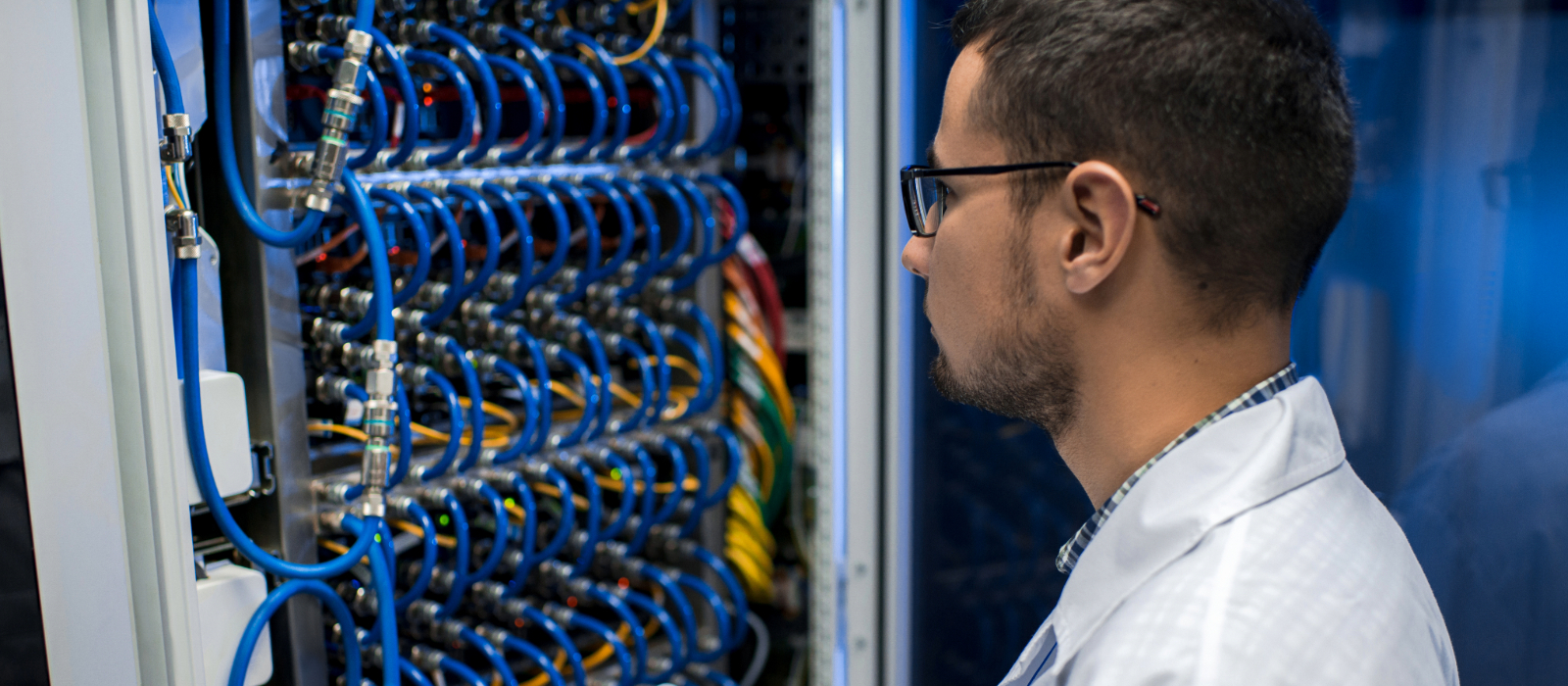
The team followed a repeatable process at each office. Technicians surveyed the existing environment, inventoried the equipment, traced connections, and documented how the infrastructure was configured. They then reorganized network closets, corrected equipment placement, and addressed outdated components before installing firewalls, switches, and wireless access points suited to the office’s needs.
Once the installation was complete, the new equipment was connected to a central monitoring dashboard. Wiring layouts and configuration details captured during each survey were preserved alongside it, giving the team a reliable record of every environment and a stronger foundation for future support.
The Result
Supporting Every Office From One Place
The team can now review equipment status, network performance, and connection quality remotely. When an issue appears, technicians can use the survey records to determine whether it originates within the office or with its connectivity provider. They can begin troubleshooting immediately and decide whether an on-site visit is actually necessary.
Conditions at the offices themselves improved as well. Repositioned hardware and properly organized closets translated into more dependable wireless coverage for attorneys and staff working across each floor, and installations were completed within focused windows that kept downtime to a short switchover. Instead of treating every office as an isolated environment, the firm can now support its locations as parts of one documented, centrally managed network.
Our Partner
About the Multi-Office Law Firm
This law firm serves clients from several offices, with attorneys and support staff relying on their local systems throughout the day. As the firm grew, each office developed its own way of running technology, making the network harder to see as a whole. The firm recognized the value of a more connected approach across all of its locations.
Partners We Have Worked With













Featured Service
Managed IT Services
Technology tends to grow one decision at a time, which leaves gaps that are easy to miss. ITonDemand’s Managed IT Services documents what’s already in place, upgrades what needs it, and keeps every system visible from a single dashboard. For organizations working across multiple offices, that visibility makes everyday support faster and more predictable.
Need More From Your IT Partner?
ITonDemand is part of Tectonic, a vertically integrated technology company that brings IT services, software development, and digital strategy together under one roof. We bring clarity to complex technology decisions, helping clients move forward with confidence.